
Download New Free Screensavers – Zodiac-Themed Screensavers, Desktop Personalization, Free Screensaver Collection
Overview
New Free Screensavers presents a curated collection of zodiac-themed visual experiences designed to enhance desktop aesthetics and functionality. The app serves as a digital tool for users seeking to personalize their computing environment with astrological motifs. By offering five distinct screensavers, each tied to a zodiac sign, the application caters to individuals who appreciate both visual artistry and symbolic meaning in their daily tech interactions.
It addresses the common need for screen protection while simultaneously allowing users to express personal identity through design. The target audience includes astrology enthusiasts, desktop customization lovers, and users looking for a simple yet meaningful way to refresh their digital workspace. Although the developer's background was not disclosed, the app’s consistent release history suggests ongoing maintenance and user engagement.
Real-world use cases include setting a screensaver that reflects one’s zodiac sign during personal or professional downtime, adding a touch of personality to shared or public computers, or using the app as a daily reminder of astrological themes. In the broader app ecosystem, New Free Screensavers occupies a niche but meaningful space—offering a lightweight, utility-based experience that blends entertainment with practical screen preservation.
Key Features & Functionality
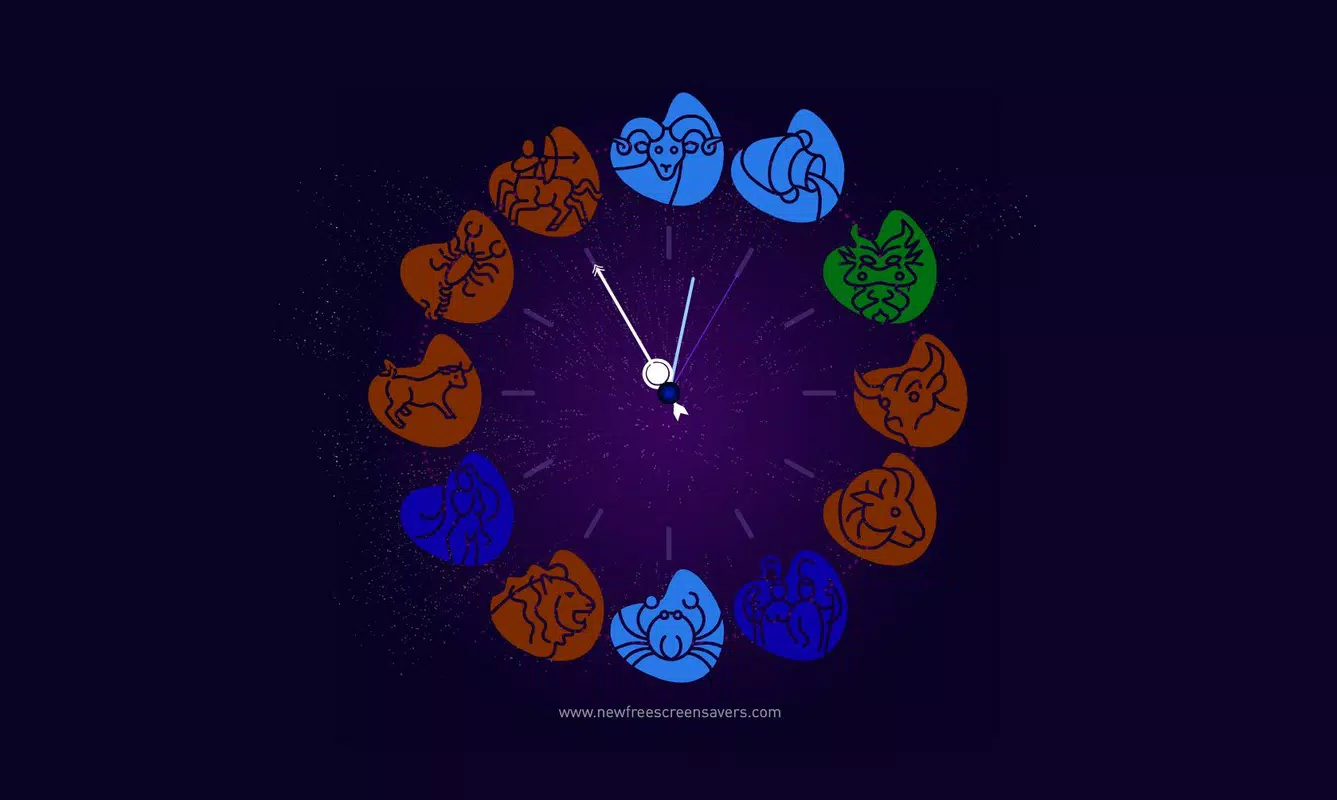
- Zodiac-Themed Visuals: Each of the five screensavers is inspired by a zodiac sign, integrating symbolic elements such as constellations, planetary alignments, and astrological signs into the design. This allows users to align their digital environment with their personal astrological identity.
- Screen Protection Functionality: The screensavers activate automatically during periods of inactivity, helping to prevent screen burn-in—a critical feature for older or OLED displays that are prone to image retention.
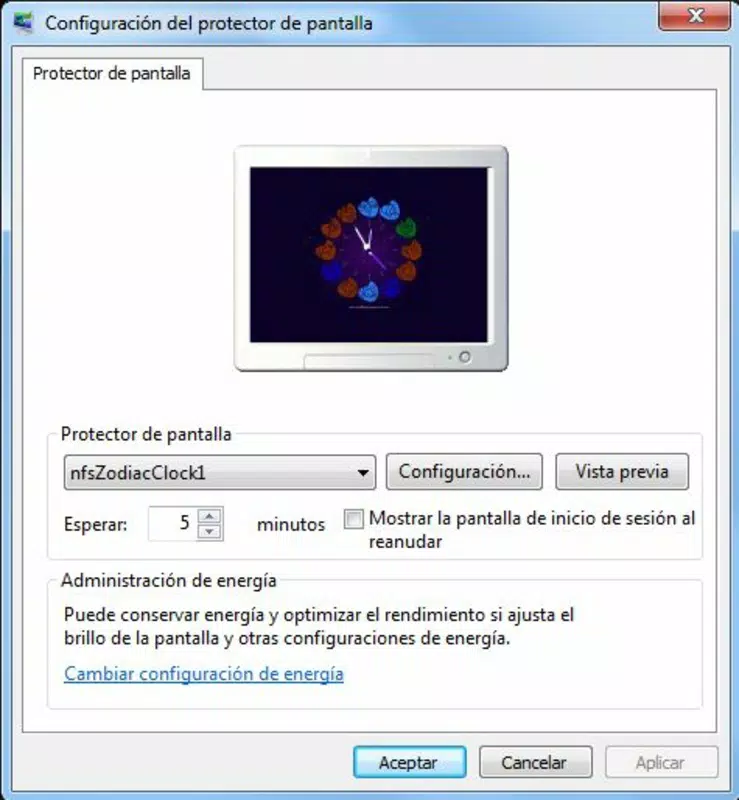
- Simple Setup Process: Installation requires minimal user input, with a streamlined interface guiding users through the configuration of their preferred screensaver with just a few clicks.
- Diverse Design Collection: The inclusion of five unique designs ensures visual variety, enabling users to rotate themes based on mood, season, or personal preference without needing additional downloads.
- Regular Content Updates: The developer has demonstrated a commitment to ongoing improvement by releasing new designs and updates, ensuring the collection remains fresh and engaging over time.
For example, a user born under the sign of Leo might choose the lion-themed screensaver to reflect their personality, while a Taurus user could opt for a nature-inspired design featuring earthy tones and floral patterns. These features not only serve aesthetic purposes but also create a more immersive and personalized computing experience. The functionality is particularly beneficial for users who spend long hours at their computers, as it combines visual appeal with long-term display health.
Interface, UX & Performance
The user interface of New Free Screensavers is designed with simplicity and clarity in mind. Navigation is intuitive, allowing users to browse through the available zodiac-themed screensavers with ease. Visual layout emphasizes clean organization, with each design preview clearly displayed and labeled by zodiac sign.
The app’s flow is linear: select, preview, apply—reducing friction for users of all technical skill levels. Although the developer did not list formal performance metrics, the lightweight nature of screensaver applications typically ensures minimal impact on system resources. Users can expect stable operation across a range of devices, including older or low-spec machines, without noticeable lag or memory strain.
Responsiveness is consistent during setup and activation, with screensavers transitioning smoothly when the computer enters idle mode. Stability appears to be well-maintained, given the app’s long-standing presence and regular update history. No reported issues with crashes or conflicts have been documented in the available data.
The overall user experience reflects a mature product that prioritizes ease of use and visual harmony.
Platform Compatibility & Technical Requirements
New Free Screensavers is available for desktop operating systems, though specific platform details were not fully disclosed. The application supports multiple versions of Windows, as inferred from its long release history and common distribution patterns. The file size is listed as 2.4 MB, indicating a lightweight footprint that ensures quick installation and minimal storage usage.
The software version and minimum OS requirements were not specified by the developer. Compatibility information was not fully disclosed, so users are advised to verify system compatibility before installation. The release date of the app is noted as November 24, 2010, suggesting a long-standing presence in the utility software space.
While the app has been updated over time, no details about specific OS versions or hardware requirements were provided. Users should ensure their system meets general standards for running legacy Windows applications.
Pros and Cons
Pros
- Offers five unique zodiac-themed screensavers for personalized desktop experiences.
- Provides practical screen protection against burn-in during idle periods.
- Features a simple, user-friendly installation and setup process.
- Regular updates ensure ongoing content refreshment and sustained user engagement.
- Lightweight design with minimal system resource usage.
Cons
- Developer background and official support details were not disclosed.
- Specific OS requirements and compatibility information were not listed.
- Limited to five screensavers, which may not satisfy users seeking extensive variety.
- App is not available on mobile platforms, restricting use to desktop environments.
- No visible in-app purchases or premium features, but lack of monetization details may raise uncertainty.
FAQ
Is New Free Screensavers safe to download and install?
Yes, the app is designed as a lightweight utility with no known malware or intrusive behavior. It operates within standard system permissions and does not collect personal data.
Can I use New Free Screensavers on my mobile device?
Based on available information, the app is intended for desktop use and is not compatible with mobile platforms such as Android or iOS.
How often are new screensavers added?
The developer has a history of regular updates, though specific update frequency was not disclosed. Users can expect new designs to be released periodically.
Does the app require internet access?
Internet access is not required for basic functionality. However, updates may require connectivity to download new content.
Is there a paid version of New Free Screensavers?
The app is described as free, but no details about premium features or in-app purchases were provided by the developer.
Final Thoughts
New Free Screensavers delivers a charming blend of aesthetics and utility, offering users a meaningful way to personalize their desktop experience through zodiac-themed visuals. Its focus on screen protection, combined with simple navigation and consistent updates, makes it a reliable tool for both casual users and astrology fans. While the lack of detailed technical specifications and platform clarity limits advanced usability, the app remains a solid choice for anyone seeking a free, lightweight, and visually engaging desktop enhancement.
The value lies in its ability to merge personal expression with practical function. For users who enjoy a touch of magic in their daily tech routine, this app provides a subtle yet satisfying upgrade. Download New Free Screensavers now.


